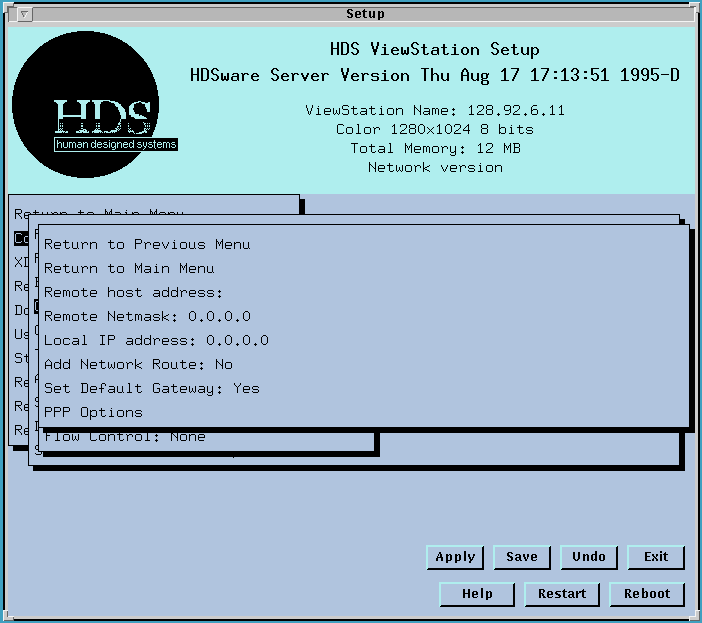
The Remote host address field lets you set the IP address of the host for your PPP or SLIP connection. This is not needed if your PPP host does address negotiation.
The Remote Netmask field sets the netmask appropriate for that host.
The Local IP address field lets you set the ViewStation's IP address for this serial port connection. This is required for SLIP connections and for PPP if Address Negotiation is not used. If PPP Address Negotiation is used, this IP address is assigned by the PPP host.
The Add Network Route field lets you specify whether the network route should be added to your route table. This can also be done manually, refer to Network Routing on the ViewStation.
The Set Default Gateway field lets you set a default gateway host for this connec tion.
The PPP Options menu contains a lot of PPP settings, which are explained briefly below. More detailed explanations are provided with the PPP products.
 Return
to the Home Page
Return
to the Home Page