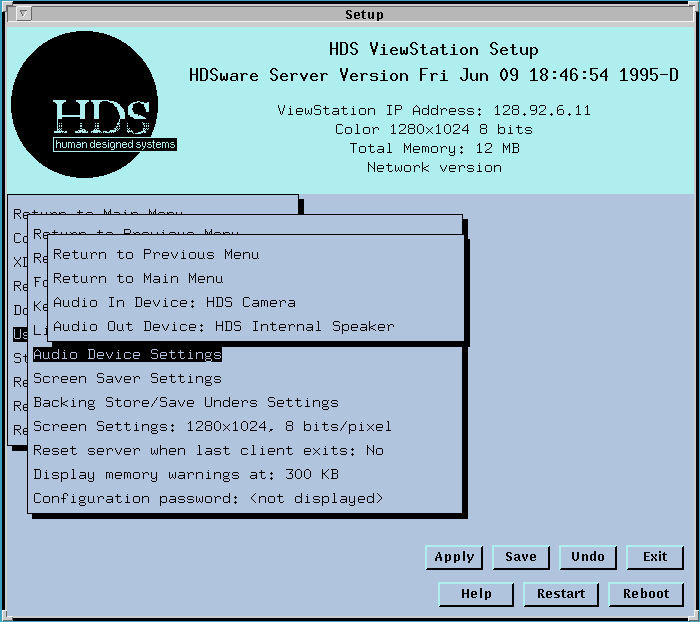
The Audio In Device line toggles between several input devices, HDS Camera (with built-in microphones), HDS headset, the CallPort integrated Speaker/ Microphone (with echo-cancelling), HDS microphone, HDS tuner, VCR, and Line Level Audio. This setting selects the appropriate input level for the HDS audio device. These settings can also be made in the HDS audio client.
If you are using your own audio equipment, you will have to determine which input level settings are appropriate.
The Audio Out Device line toggles between several output devices, HDS internal speaker, HDS external speakers, HDS headset, and the CallPort integrated Speaker/Microphone (with echo-cancelling). These settings can also be made in the HDS audio client.
If you are using your own audio equipment, you will have to determine which output level settings are appropriate.
 Return to the Home Page